




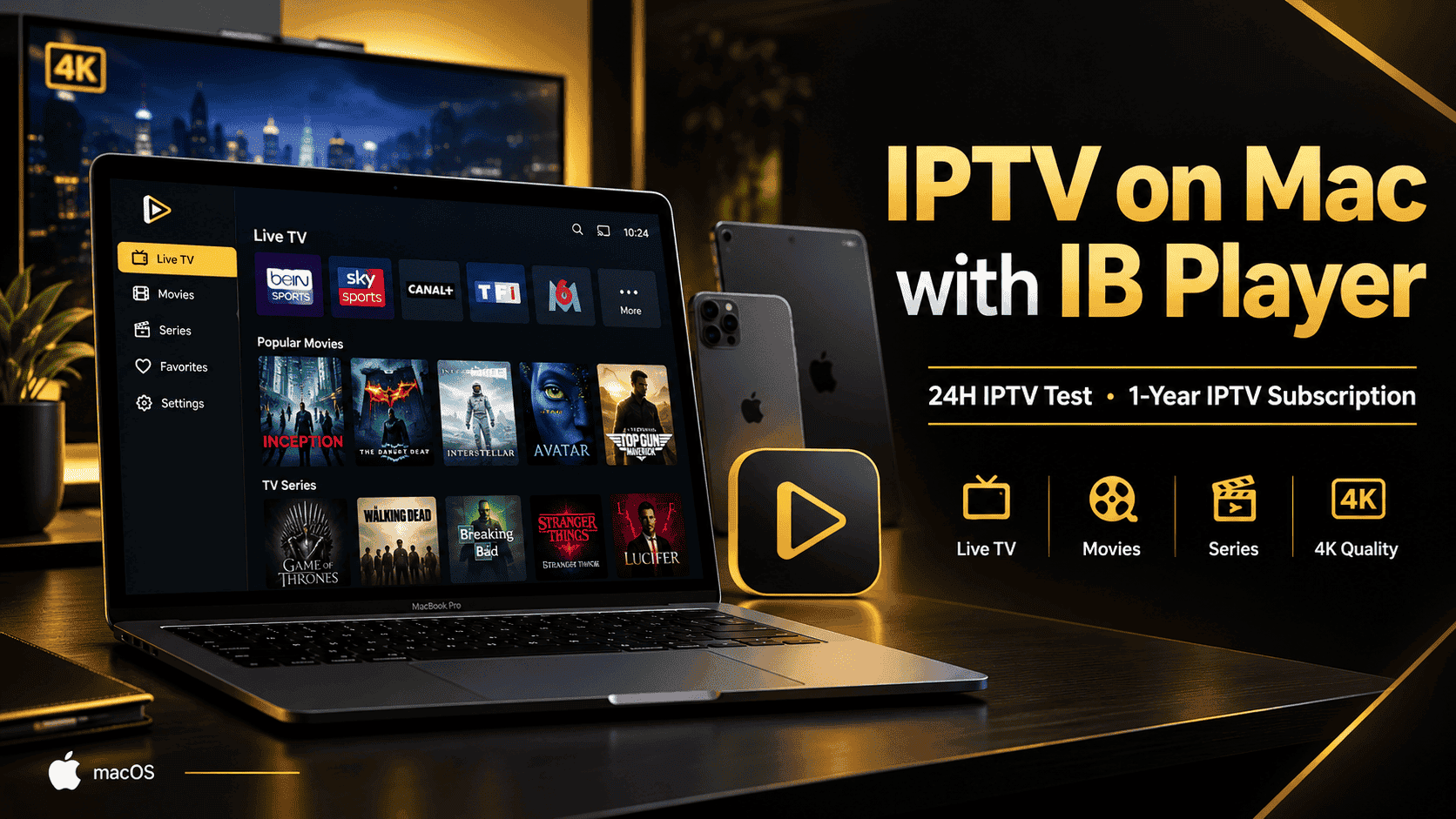
xtream m3u iptv IPTV on Mac with IB Player 24H Test 1-Year IPTV
IPTV on Mac: How to Use IB Player with an IPTV Subscription
IPTV on Mac: How to Use IB Player with an IPTV Subscription
Looking for an easy way to watch IPTV on Mac? IB Player is an IPTV media player that can be used with a compatible IPTV playlist.
IB Player supports M3U playlists and is available for Apple devices including iPhone, iPad, Apple TV and compatible Mac computers. The official App Store listing describes it as an M3U media player and explains that users need an IPTV playlist from their provider. (App Store)
With our IPTV service, we make the setup easier. After testing the IPTV service, customers who choose our 1-year IPTV subscription can also receive 1-year IB Player activation as part of the selected offer.
What Is IB Player?
IB Player is an IPTV media player designed to play IPTV playlists provided by an IPTV service provider.
The application does not provide TV channels by itself. You need an IPTV subscription and a compatible playlist from your provider.
According to the official App Store listing, IB Player supports M3U playlists and includes features for live TV, movies and series, favorites, subtitles, audio tracks and parental controls. (App Store)
How Our IPTV + IB Player Setup Works
We keep the setup simple for our customers.
1. Test Our IPTV Service for 24 Hours
Before purchasing a 1-year subscription, you can contact us to request a 24-hour IPTV test.
This allows you to check the server and make sure the IPTV service works correctly on your device and internet connection.
If you are satisfied with the service after the test, you can proceed with the 1-year IPTV subscription.
2. Install IB Player
Download IB Player from the official Apple App Store and install it on your compatible Apple device.
Download IB Player from the Apple App Store
The current App Store listing shows compatibility with iPhone, iPad, Apple TV and compatible Macs. For Mac, Apple lists macOS 11.0 or later and an Apple M1 chip or later. (App Store)
3. Send Us Your MAC Address
Once IB Player is installed, you do not need to configure the IPTV playlist yourself.
Simply send us the MAC Address displayed by the IB Player application.
Our team will use the MAC Address to set up your IPTV playlist.
This makes the setup easier for customers who do not want to manually enter long IPTV URLs or playlist information.
4. We Add Your IPTV Playlist
After receiving your MAC Address, we configure your IPTV playlist on our side.
The playlist is associated with the device information you provide so that your IPTV service can be loaded through IB Player.
IB Player itself explains that it is a media player and requires an M3U playlist from an IPTV provider. (App Store)
5. Enjoy Your 1-Year IPTV Subscription
After the IPTV setup is completed, you can open IB Player and access the available IPTV content through your subscription.
Our selected offer includes:
- 📺 1-Year IPTV Subscription
- 📱 1-Year IB Player Activation
- 🎁 24-Hour IPTV Test Before Purchase
- 🛠️ Setup Assistance
- 💬 Customer Support
The exact channels, movies, series and available quality depend on the IPTV service and playlist.
IB Player 7-Day Trial
IB Player may offer a trial period through the application before activation, depending on the current version and offer available from the application.
However, our IPTV service provides a separate 24-hour IPTV test so you can test our server before purchasing your 1-year subscription.
This is important because the IPTV test and IB Player activation are two different things.
The official App Store currently lists IB Player as a free download with in-app purchases and shows an activation purchase. (App Store)
Why Use IB Player for IPTV on Mac?
IB Player can be useful for customers who want to watch IPTV through an Apple device.
The application supports M3U playlists and provides a simple interface for accessing live TV, movies and series. Its App Store listing also mentions support for high-resolution playback, including 4K. (App Store)
With our setup service, you also don’t have to manually configure the playlist.
Send us your MAC Address → We configure the playlist → You start watching.
IPTV on Mac – Easy Setup with IB Player
If you are looking for IPTV on Mac, IB Player can be used as the media player for your IPTV subscription.
Our setup process is simple:
24H IPTV Test → Choose Your 1-Year Subscription → Install IB Player → Send Us Your MAC Address → We Add Your Playlist → Start Watching
For customers who choose the eligible 1-year offer, IB Player activation is included for one year.
Frequently Asked Questions
Can I use IB Player on Mac?
Yes. The current App Store listing supports Mac compatibility on Macs running macOS 11.0 or later with an Apple M1 chip or later. (App Store)
Do I need an IPTV subscription to use IB Player?
Yes. IB Player is a media player and requires an IPTV playlist from an IPTV provider. (App Store)
Do I need to enter the IPTV playlist myself?
No. For our customers, we handle the playlist setup. You simply send us the MAC Address displayed by IB Player, and we configure your IPTV playlist.
Do you offer an IPTV test?
Yes. We offer a 24-hour IPTV test so you can test the service before choosing the 1-year subscription.
What do I receive with the 1-year offer?
For the eligible offer, you receive a 1-year IPTV subscription + 1-year IB Player activation, together with setup assistance.
Where can I download IB Player?
You can download it from the official Apple App Store:
IB Player – Official App Store
Direct Links :
IPTV FREE Trial 24H : Experience EAGLE AND EAGLE 4K Now!
IPTV Subscription 12 Months 60$ (EAGLE 4K)
IPTV Subscription 12 Months 50$ (Eagle)

IPTV Latest Movies












IPTV Latest Series







IPTV Football






- IPTV on Mac
- IPTV for Mac
- IB Player IPTV
- IB Player for Mac
- IPTV Mac
- IPTV subscription for Mac
- IPTV on Apple TV
- IPTV on iPhone
- IPTV on iPad
- IB Player activation

About the Author