




xtream m3u iptv How do you send us the payment
How to send money on the Western Union® app
How Do You Send Us the Payment?
Payment Methods
Thank you for choosing Xtream-M3u-iptv.com.
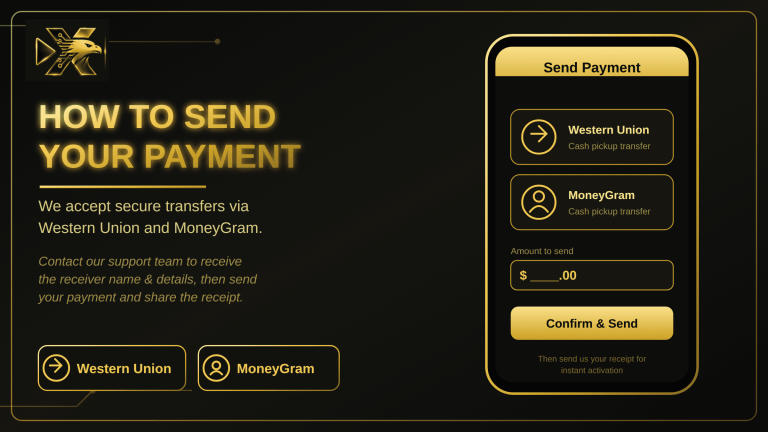
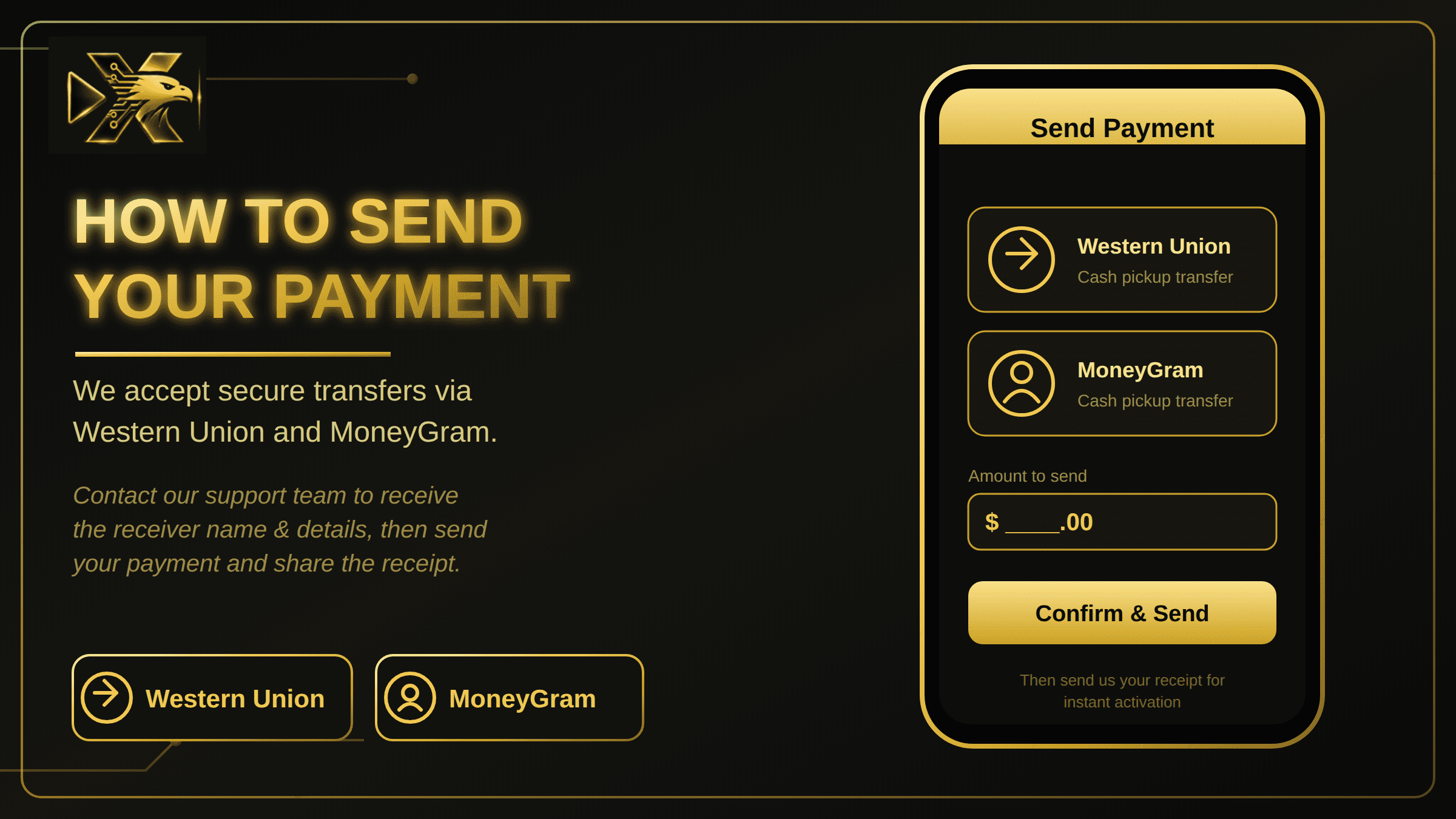
We currently accept payments through Western Union and MoneyGram.
PayPal is currently unavailable. Due to changes in PayPal’s policies regarding certain digital services, we are currently unable to accept payments through PayPal.
How to Send Your Payment
- Choose your IPTV subscription
Select the subscription that best suits your needs and contact us to place your order. - Receive the payment details
After contacting us, we will provide you with the necessary payment information for Western Union or MoneyGram.
If you choose Western Union, we can also provide you with a helpful video explaining how to send your payment using the Western Union mobile app. The app is available through Google Play and the App Store, allowing you to make the payment conveniently from your phone.
- Complete your payment
Follow the instructions provided and complete your payment using the selected payment method. - Send your payment confirmation
After completing the payment, send us your payment receipt or reference number via WhatsApp or email so we can verify your transaction. - Receive your subscription
Once your payment has been confirmed, we will process your order and send you your IPTV subscription details.
Need Help?
If you have any questions about the payment process, contact us before sending your payment. We will be happy to guide you through the process and provide any necessary instructions.
Thank you for your understanding and for choosing Xtream-M3u-iptv.com.
- This video can help you send us a payment via Western Union using the Western Union app on your phone :

About the Author